

Latest Version
Queenloft
Design
Windows
Free
9nblggh4lsnk
Report a Problem
More About Black and White Photo Editor Pro
Why Monochrome Photography Still Matters in a Color World
Imagine capturing a bustling city street or a intimate portrait, only to find that the vibrant background colors distract from the raw emotion of the subject. In a world saturated with hyper-colored media, converting your images to monochrome is a powerful way to strip away distractions and focus on raw composition. This is where the Black and White Photo Editor Pro monochrome tool shines, allowing Windows users to quickly translate color images into timeless visual stories without navigating overly complex professional suites.
Key Features of Black and White Photo Editor Pro
Developed by Queenloft, this dedicated design application provides a streamlined workspace tailored specifically for grayscale editing. Here is a breakdown of what makes it a valuable addition to your creative toolkit:
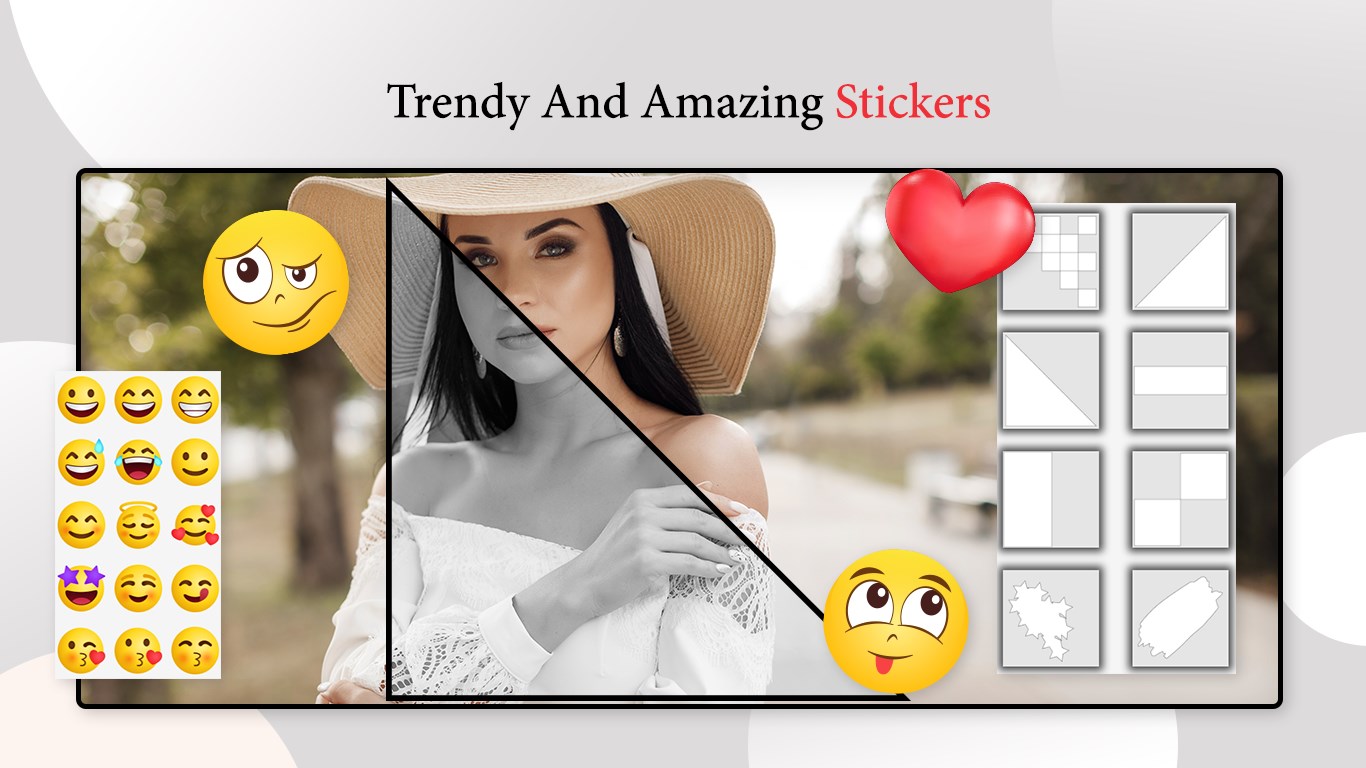
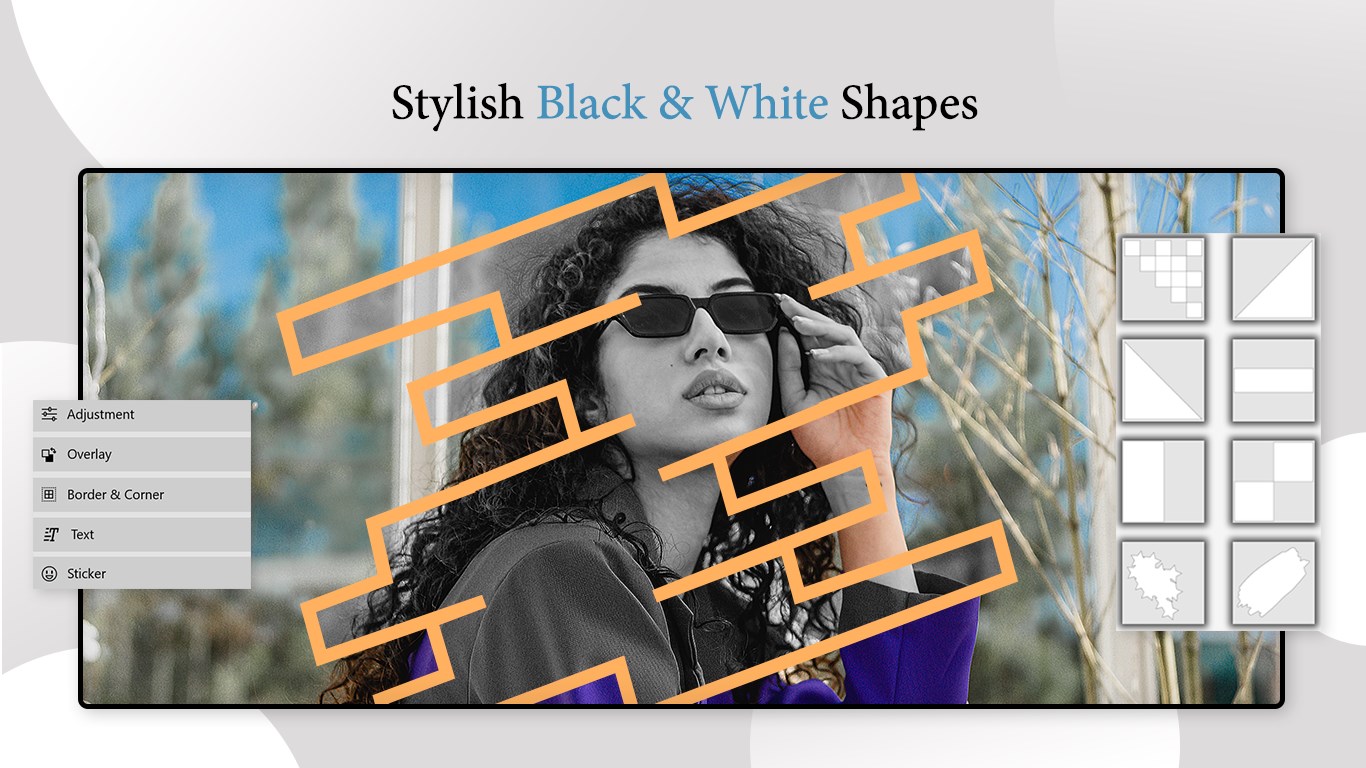
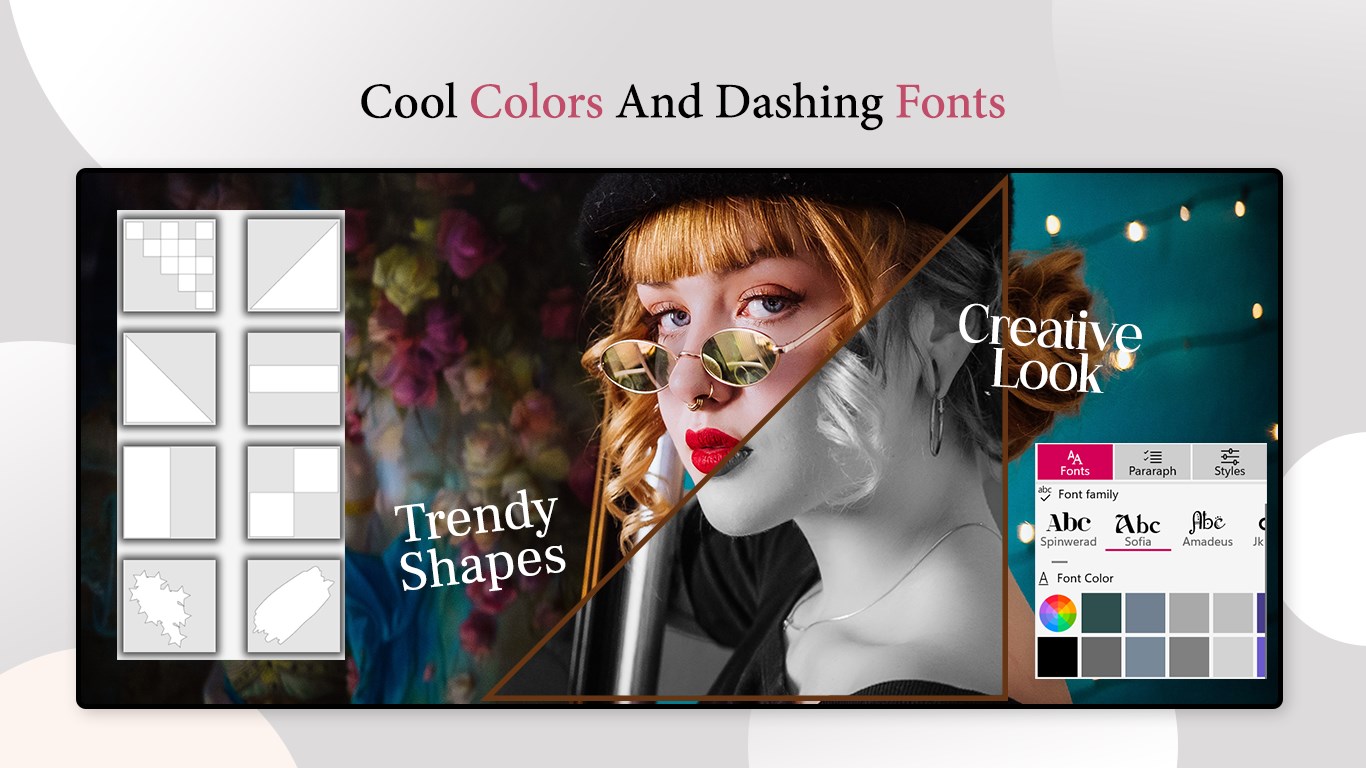
- Instant Monochrome Presets: Skip the tedious manual adjustments with a selection of pre-configured black and white styles, ranging from soft vintage tones to high-contrast dramatic looks.
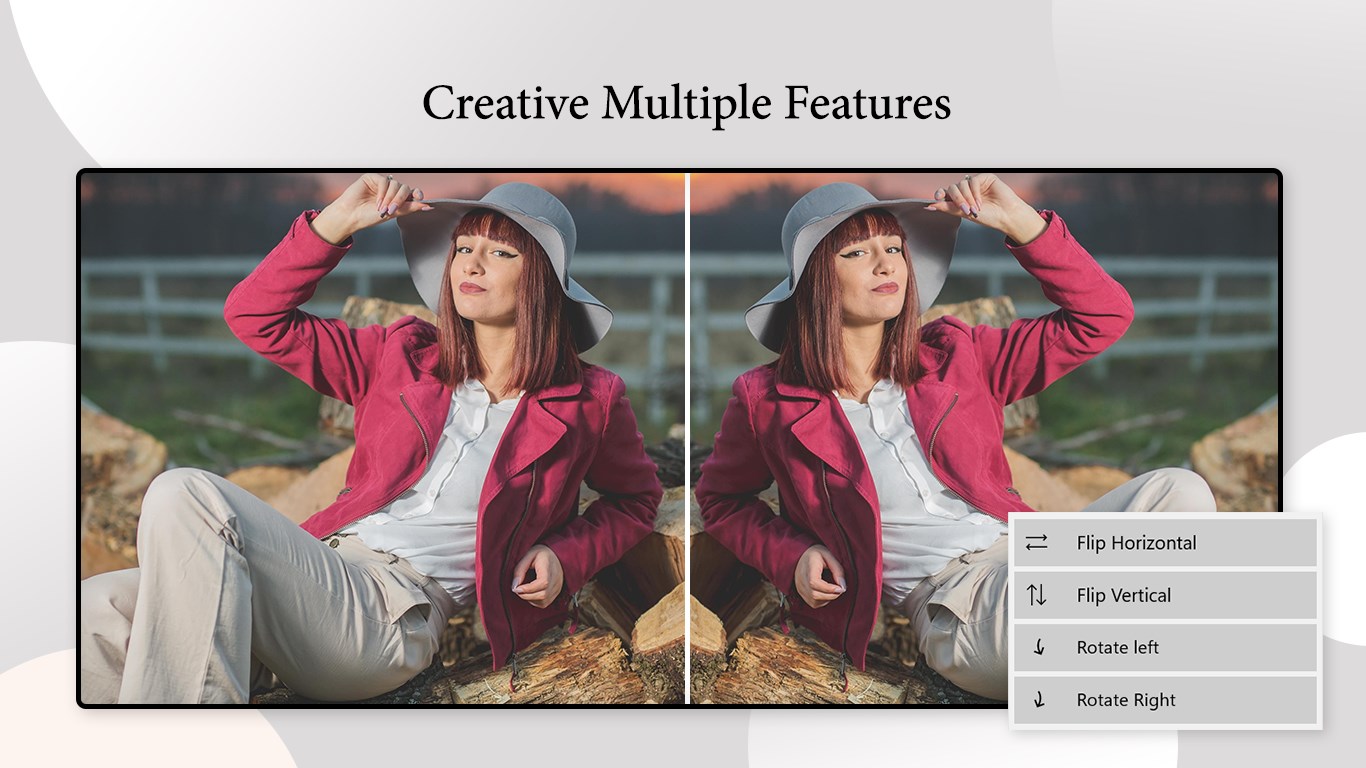
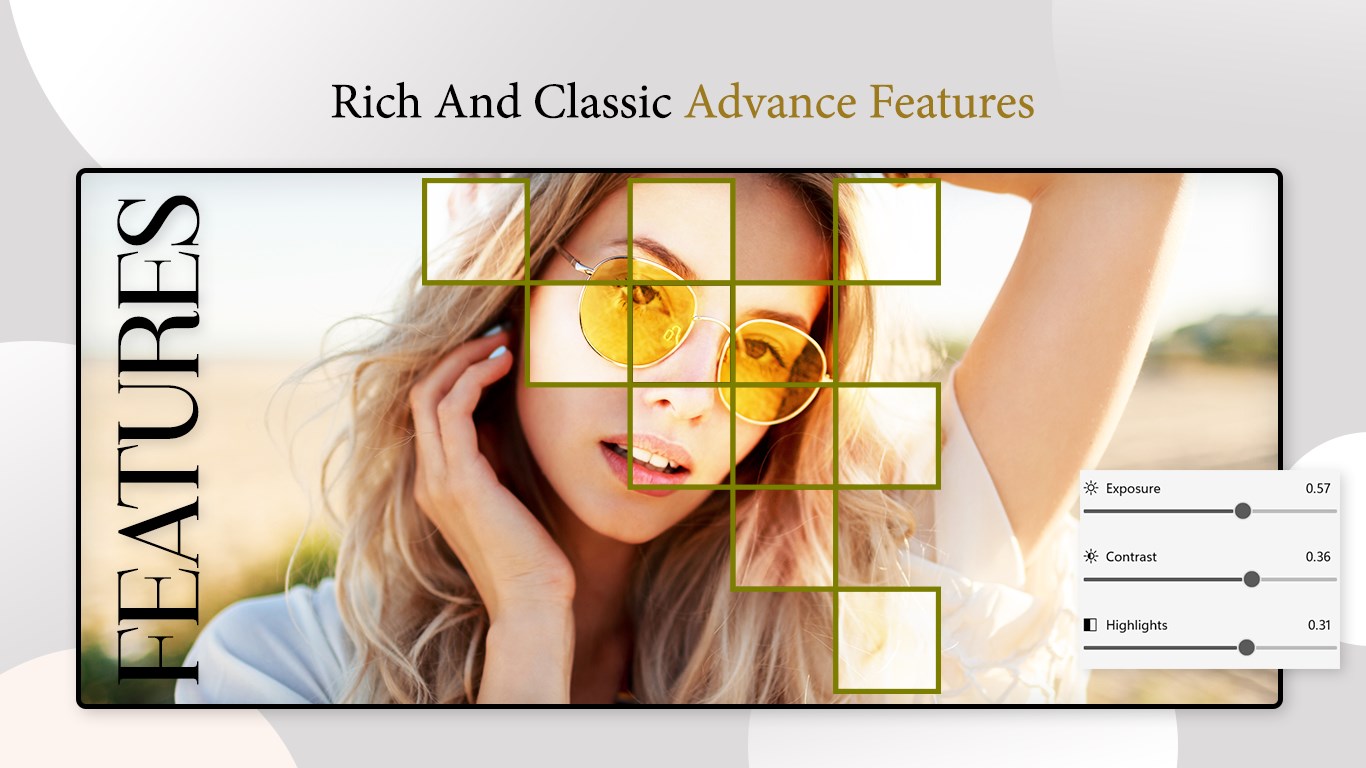
- Granular Tonal Control: Fine-tune your compositions by adjusting essential exposure properties, including brightness, contrast, shadows, and highlights.
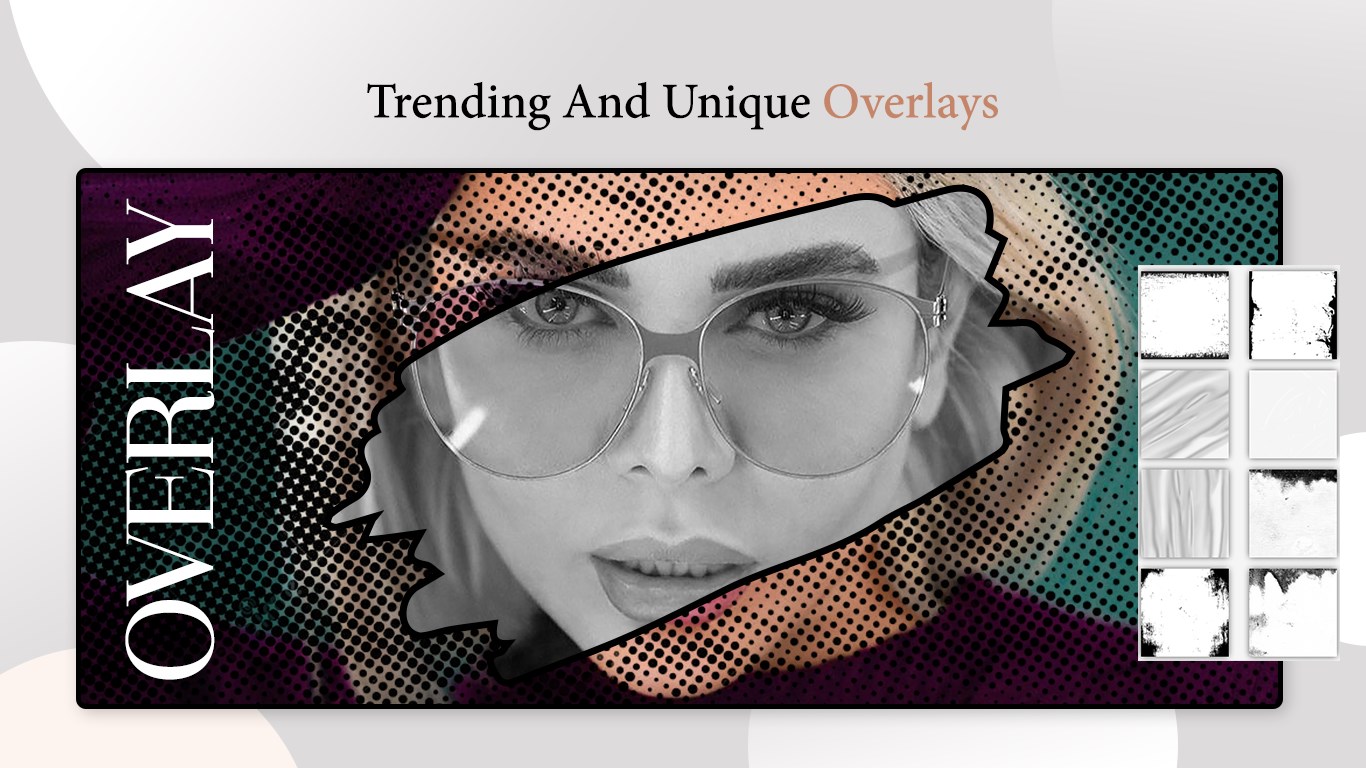
- Authentic Film Grain: Give your digital photos an organic, analog feel by adding customizable grain and texture overlays.
- Real-Time Editing Previews: See the immediate impact of your adjustments as you move sliders, ensuring a fast and intuitive workflow.
- High-Quality Exporting: Save your final artwork in crisp, high-resolution formats ready for sharing or printing.
Who is the Black and White Photo Editor Pro Monochrome Tool For?
This software is ideal for Windows users who appreciate the classic aesthetics of film photography but want a modern, digital approach. Whether you are an amateur photographer looking to enhance your street photography, a graphic designer creating moody assets, or simply someone who loves dramatic portraits, the application delivers professional-grade results without a steep learning curve. Its clean layout ensures you spend less time figuring out tools and more time perfecting your artistic vision.
Enhance Your Visual Portfolio
If you are ready to elevate your photography and explore the expressive depth of grayscale imagery, this tool offers the perfect balance of simplicity and control. To try it out for yourself, head over to the official Microsoft Store to explore the application on your Windows device.
Rate the App
User Reviews
Other Apps in This Category



Popular Apps










Editor's Choice