Latest Version
Gyoom LLC
Tools
iOS
Free
1457341524
Report a Problem
More About My FileManager - Documents
An Intuitive Take on iOS File Management
Managing diverse file types on iOS has historically presented unique challenges. The My FileManager - Documents file manager by Gyoom LLC offers a robust, centralized environment designed to streamline how you interact with your digital data on iPhone and iPad. Instead of juggling multiple single-purpose utilities, this app consolidates private web browsing, download queuing, and extensive document viewing into a unified, high-performance interface.
Comprehensive Feature Breakdown
What sets this tool apart is its ability to handle complex workflows without sacrificing speed. Here is a closer look at the core components of the application:
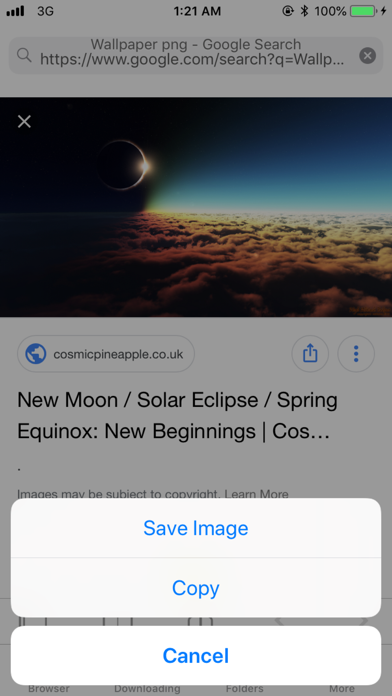
Integrated Private Web Browser
- Smart Navigation: Easily manage your favorite destinations with a customizable home screen, bookmarks, and structured history.
- Tabbed Browsing & Desktop Mode: Switch between multiple active sessions and request desktop layouts of resource-heavy websites seamlessly.
- Search Flexibility: Supports multiple search engines to suit your personal privacy preferences.
Robust Download Manager
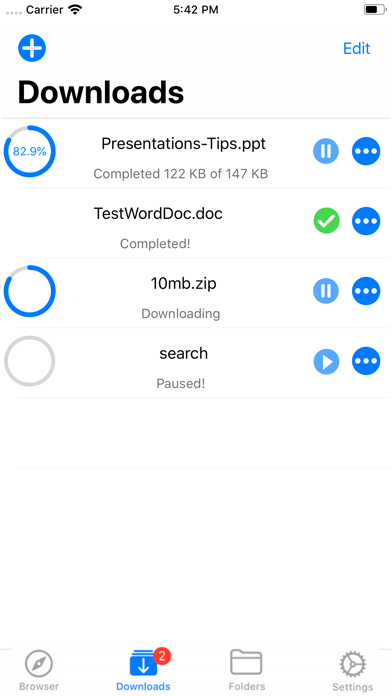
- Control and Progress: Pause, resume, and queue downloads with real-time status tracking.
- Speed and Efficiency: Engineered for fast, reliable transfer rates even when handling larger documents.
Advanced File Management & Document Viewing
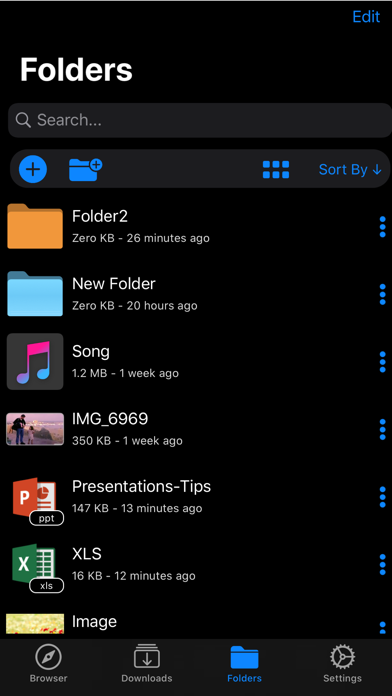
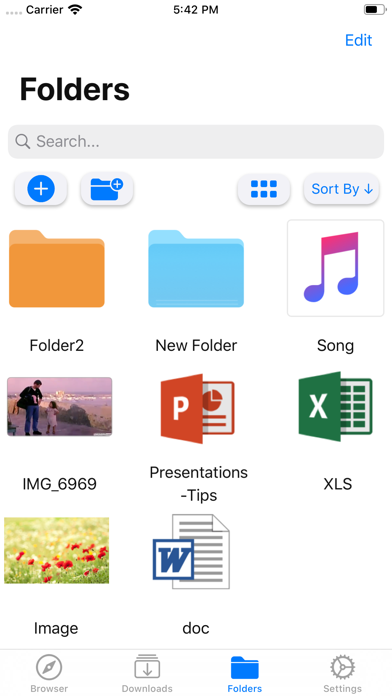
- Format Versatility: The built-in document viewer natively supports major formats including .doc, .ppt, .xls, .pdf, .txt, .html, and .rtf.
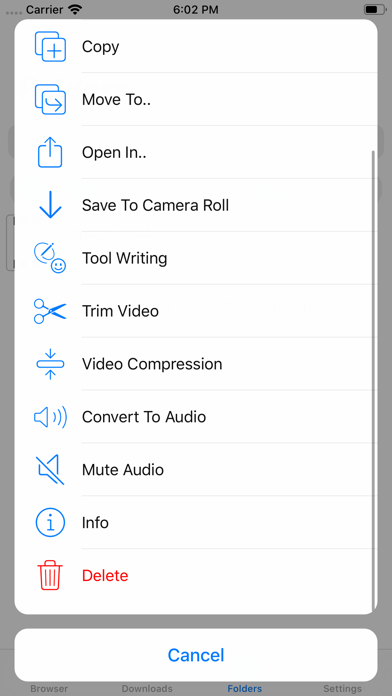
- Archiving and Media Editing: Compress files with complete ZIP archive support, edit and compress images, or perform quick video edits directly inside your local storage.
- Seamless Sharing: Move, copy, rename, or sort your files by name, date, and type. When it is time to share, you can instantly send files to other apps, email them, or transfer them to a Mac using AirDrop.
Security and Usability
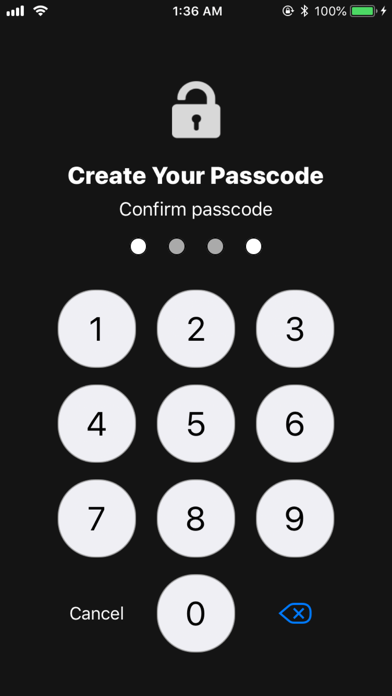
Data security is handled via a secure passcode lock system. Users can safeguard their sensitive documents with a 4-digit password, fully integrated with iOS biometric authentication like TouchID and FaceID. Additionally, a dedicated Night Mode ensures comfortable viewing during low-light operations.
Is It Right for You?
If you regularly handle business documents, compressed archives, or media files on the go, the My FileManager - Documents file manager provides the necessary desktop-grade utility your mobile device needs. It bridges the gap between local storage and cloud-like flexibility, wrapped in a clean, professional aesthetic.
To experience this powerful utility yourself, head over to the official App Store and explore the capabilities of My FileManager - Documents today.
Rate the App
User Reviews












Popular Apps










Editor's Choice